
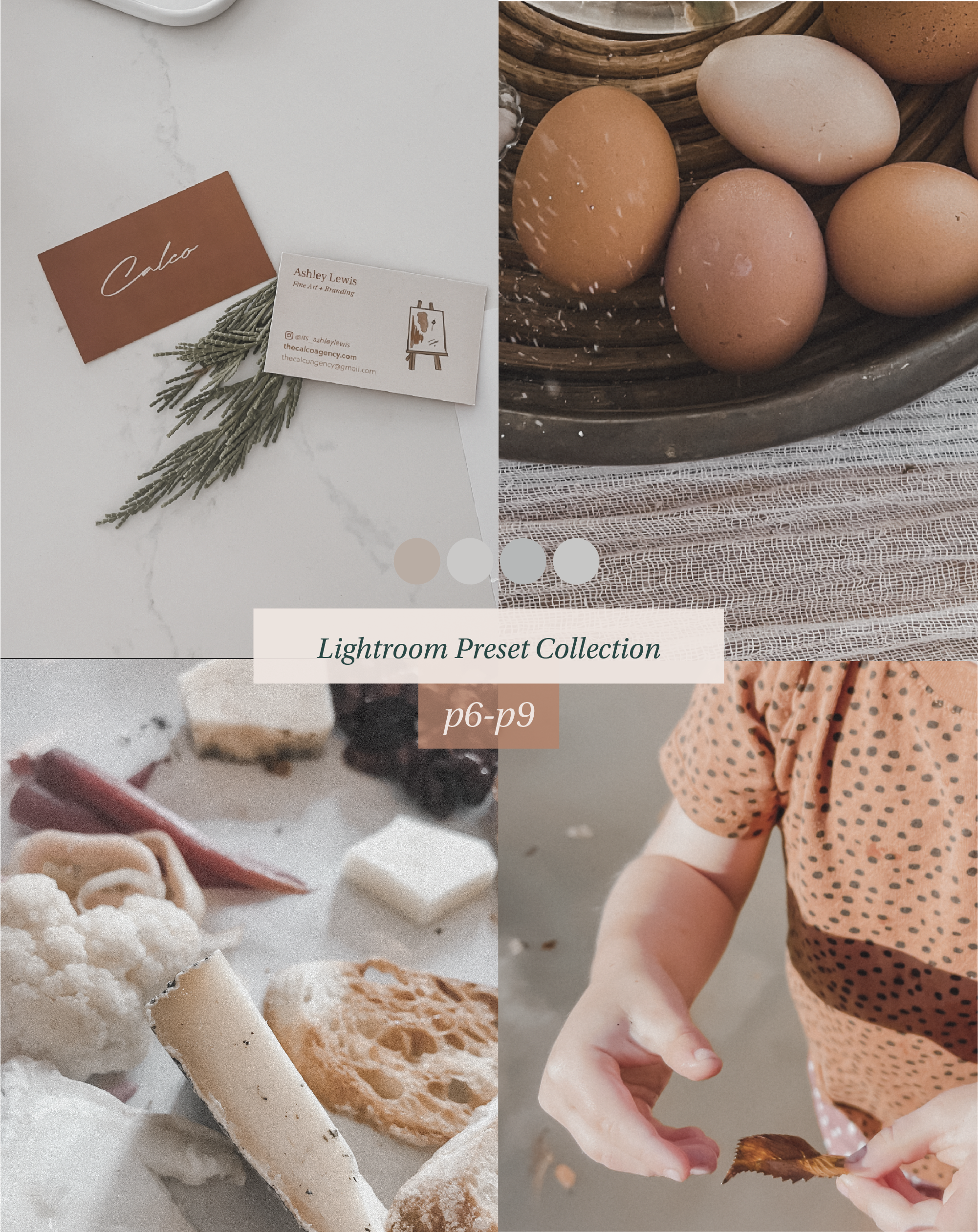
 Image 1 of 5
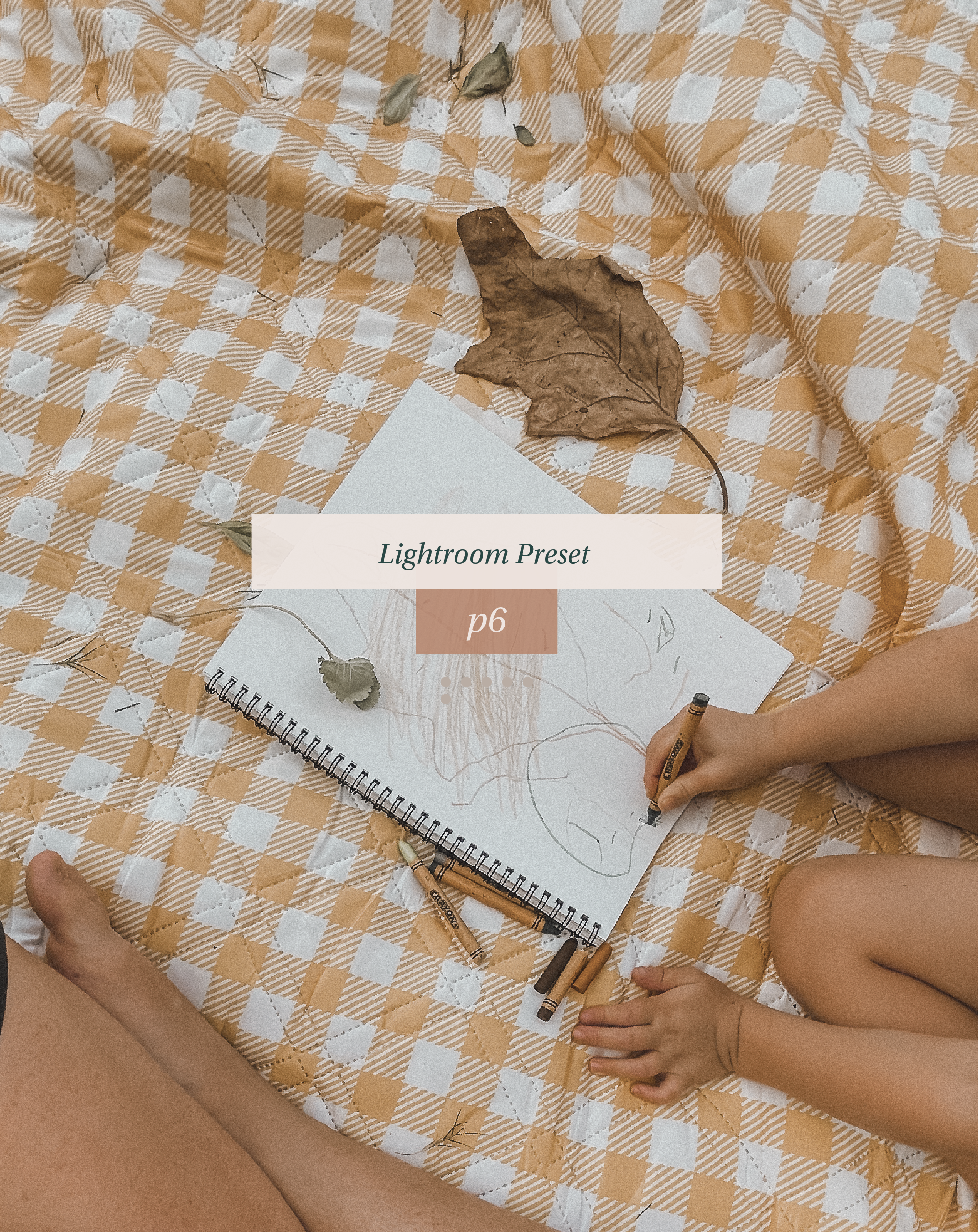 Image 2 of 5
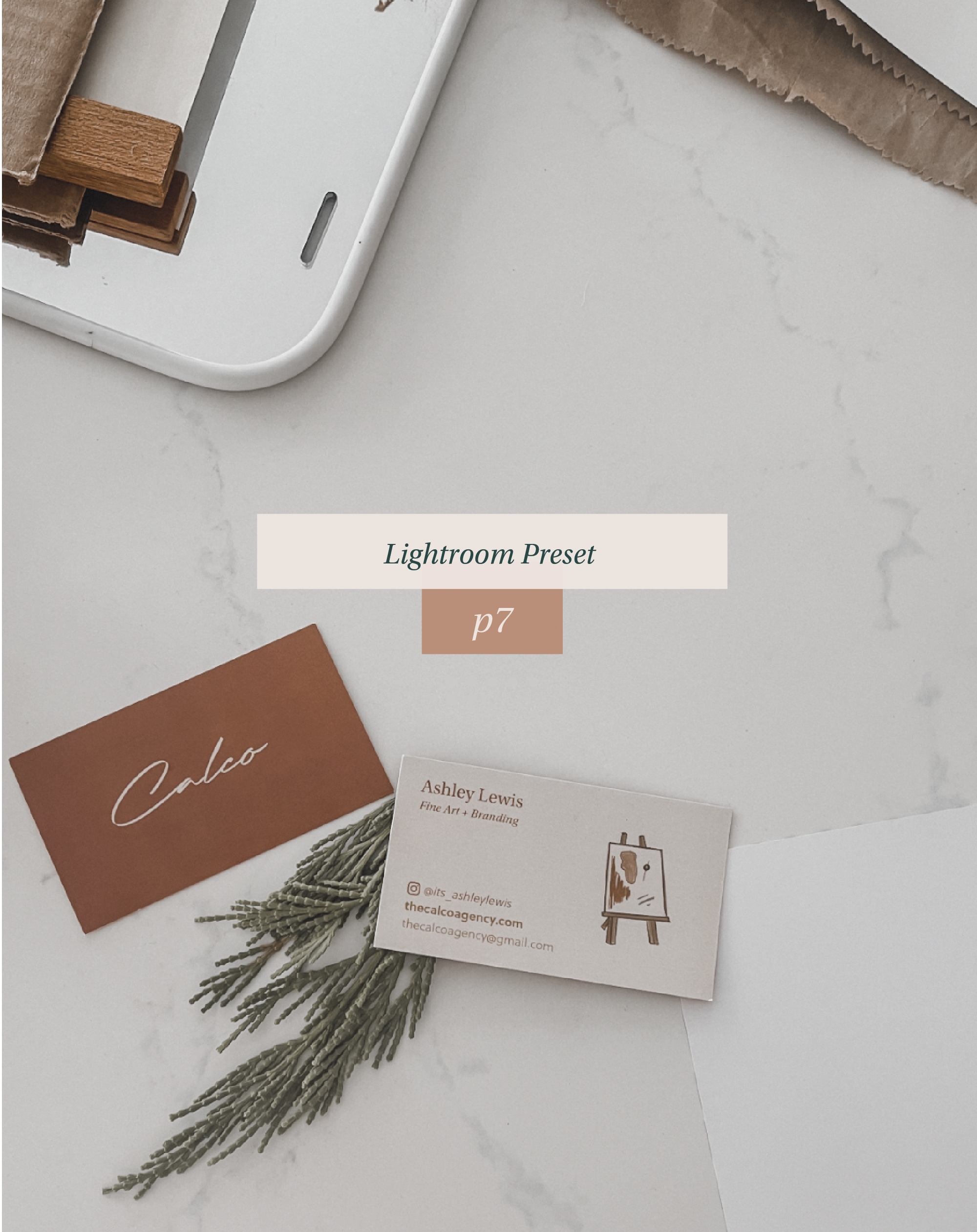 Image 3 of 5
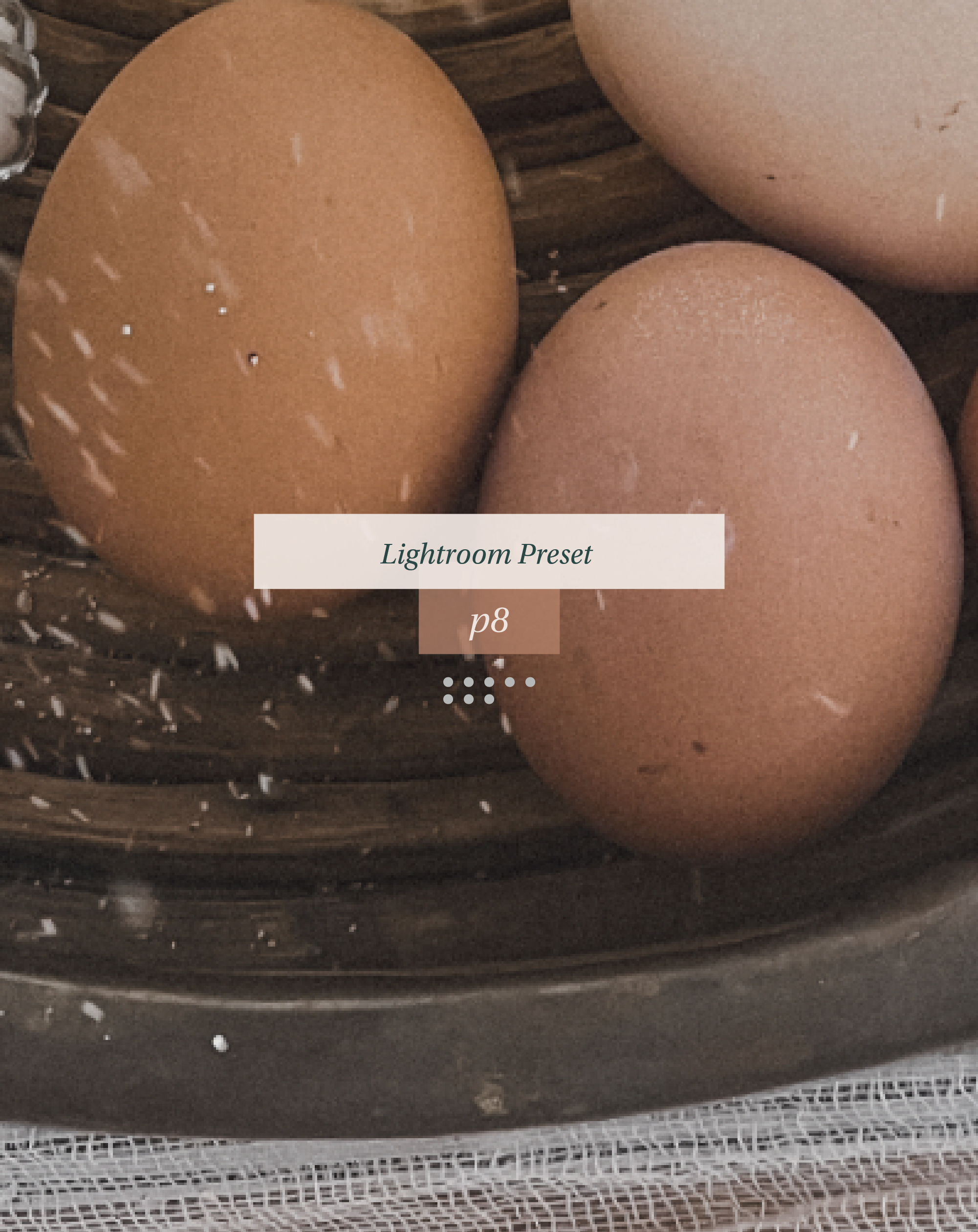 Image 4 of 5
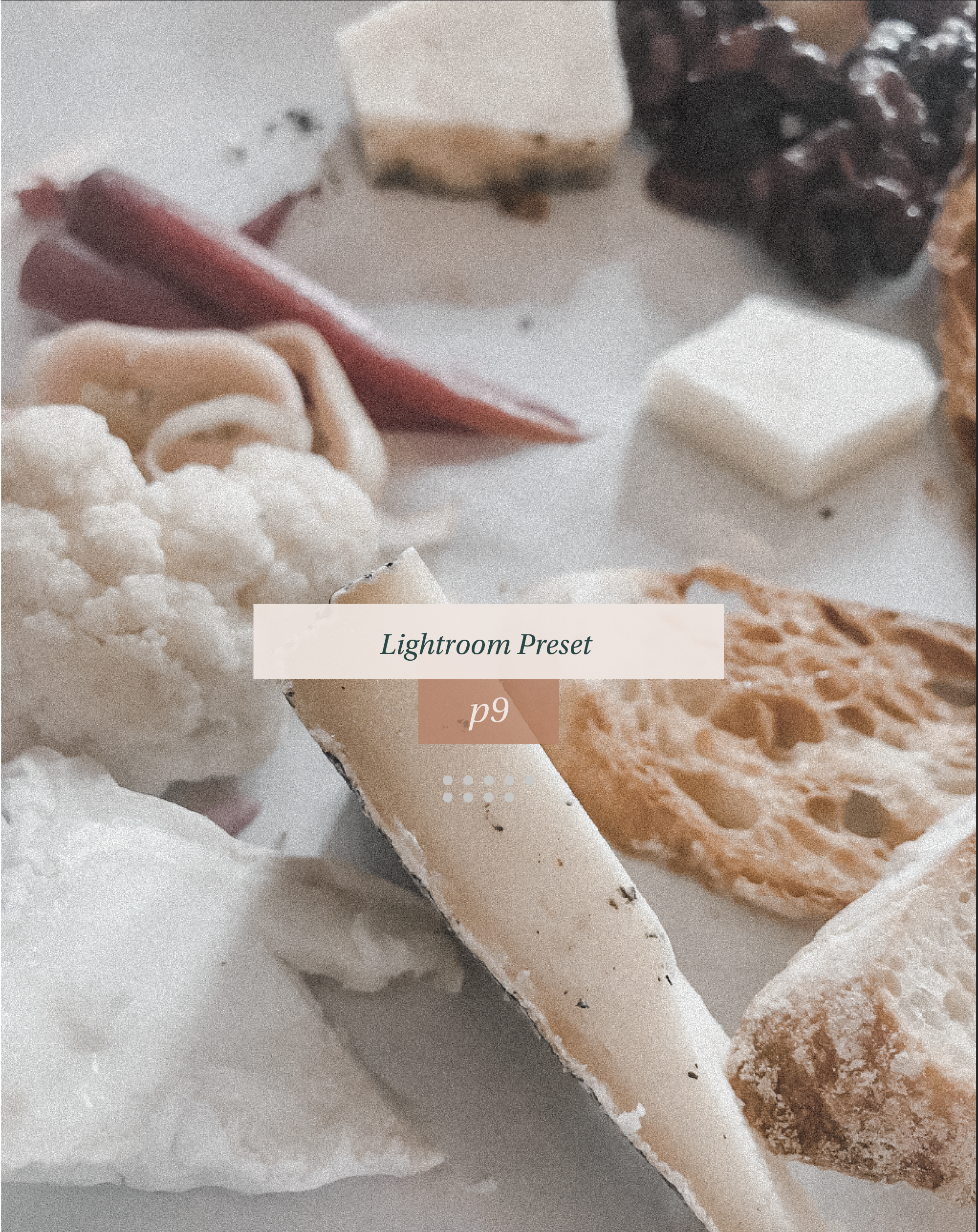 Image 5 of 5
(Basic knowledge of the Lightroom mobile app and its settings is suggested in order to be able to edit these presets.)
- No Lightroom subscription is needed to edit with these presets.
- Includes downloads of the P6, P7, P8 + P9 presets.
- Please use #PRESETSBYASH when using my presets on social media so I can see your awesome photos + to have a chance to be featured on my stories!
HOW TO IMPORT:
- Download the preset images into your camera roll on your phone by clicking "save image" or "import to Lightroom".
- The images will show up as a blank, Which is totally normal!!
- Once saved to your camera roll, upload to Lightroom Mobile app from the app store for FREE.
- Once uploaded to the Lightroom mobile app, you should see real photos which are (just a picture of a gray wall lol) and you should copy and paste the settings onto your own images!
HOW DO YOU DO THIS:
- Click the 3 dots in the top right corner and click "copy settings", then go to the photo you want to edit, and again click the 3 dots in the top right corner and click "paste settings".
If you can't find a download option on Gum Road, please check your email!
***NOTE: Adjustments may need to be made, each photo varies in lighting, color, etc.
***DISCLAIMER: All preset sales are final sales. Digital products can not be returned, so no refunds are available.
(Basic knowledge of the Lightroom mobile app and its settings is suggested in order to be able to edit these presets.)
- No Lightroom subscription is needed to edit with these presets.
- Includes downloads of the P6, P7, P8 + P9 presets.
- Please use #PRESETSBYASH when using my presets on social media so I can see your awesome photos + to have a chance to be featured on my stories!
HOW TO IMPORT:
- Download the preset images into your camera roll on your phone by clicking "save image" or "import to Lightroom".
- The images will show up as a blank, Which is totally normal!!
- Once saved to your camera roll, upload to Lightroom Mobile app from the app store for FREE.
- Once uploaded to the Lightroom mobile app, you should see real photos which are (just a picture of a gray wall lol) and you should copy and paste the settings onto your own images!
HOW DO YOU DO THIS:
- Click the 3 dots in the top right corner and click "copy settings", then go to the photo you want to edit, and again click the 3 dots in the top right corner and click "paste settings".
If you can't find a download option on Gum Road, please check your email!
***NOTE: Adjustments may need to be made, each photo varies in lighting, color, etc.
***DISCLAIMER: All preset sales are final sales. Digital products can not be returned, so no refunds are available.